Color samples – Light
A few visual examples of Light mode color combinations.
Use this page as a gallery linked from the Light mode colors guide.
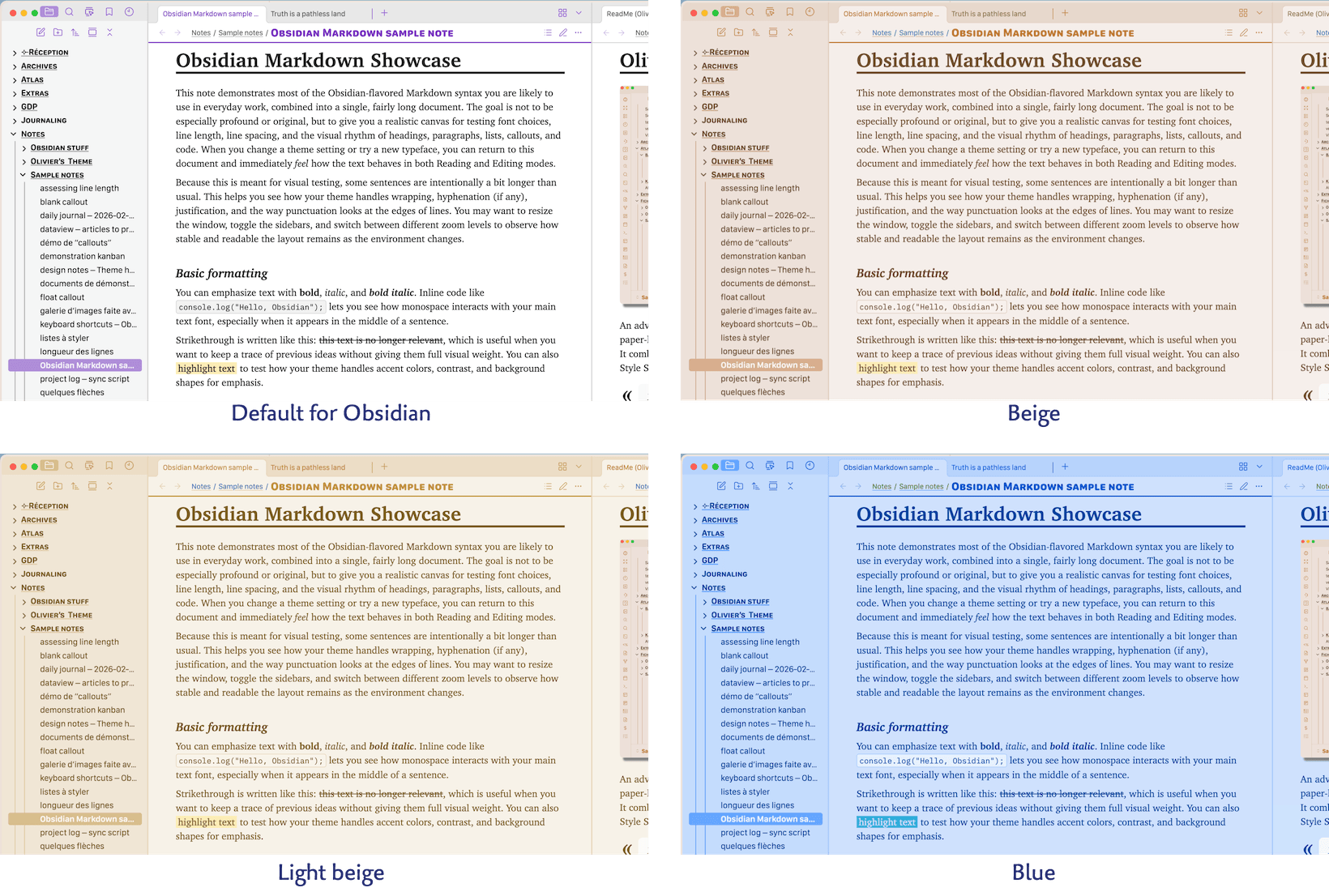
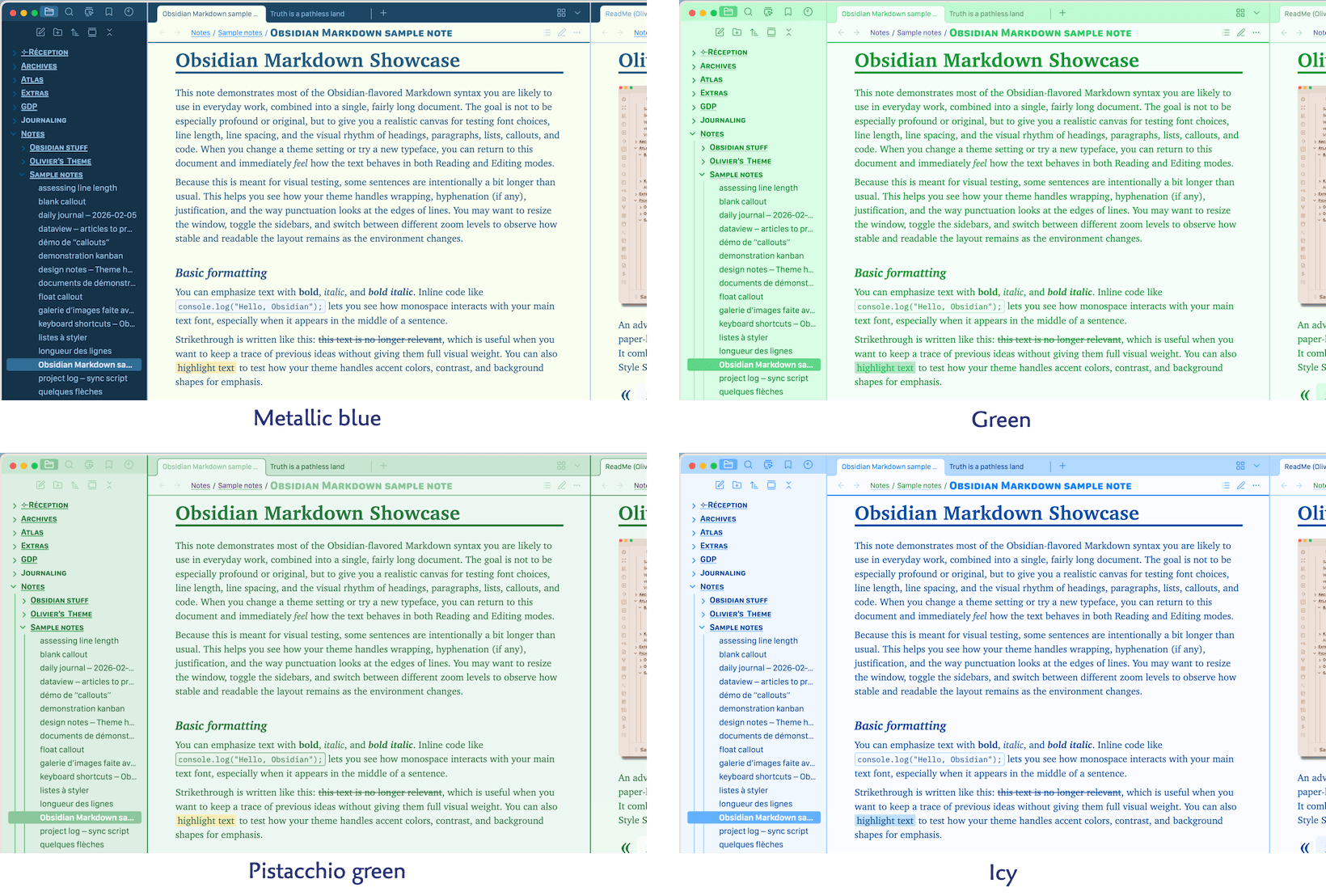
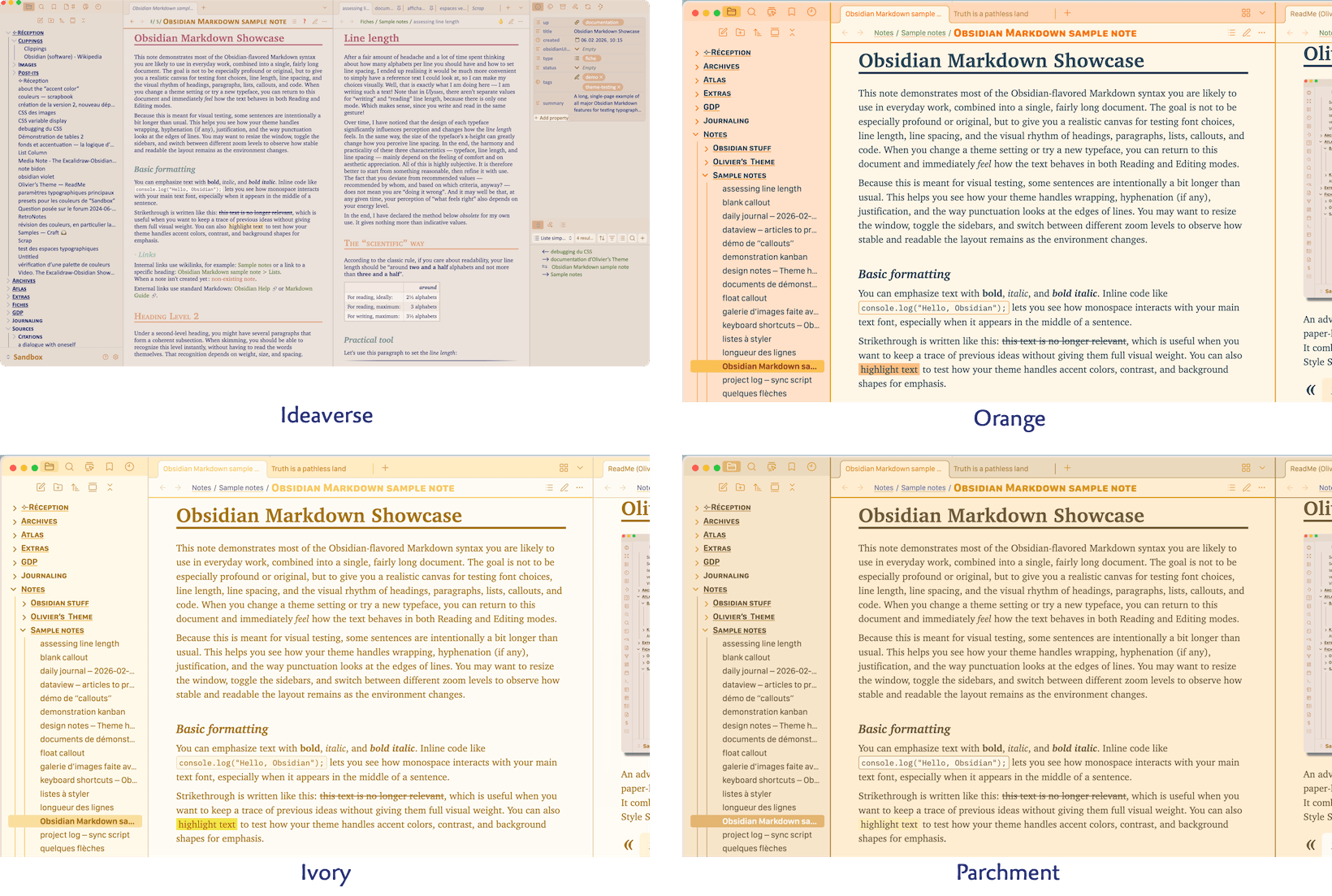
General palette 
Some of the colors you can choose for the general mood of your vault in Light Mode. There are quite a few more !
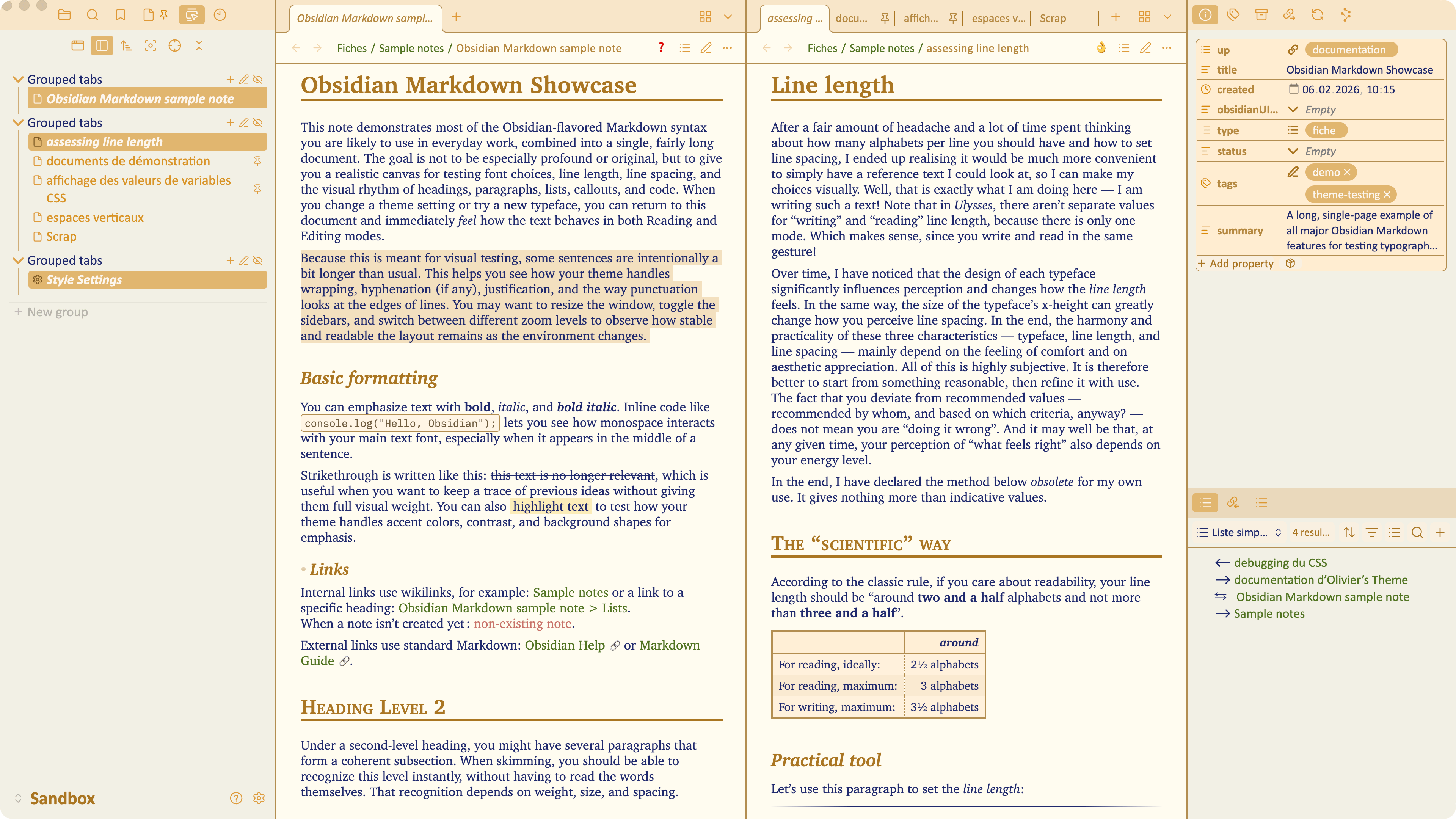
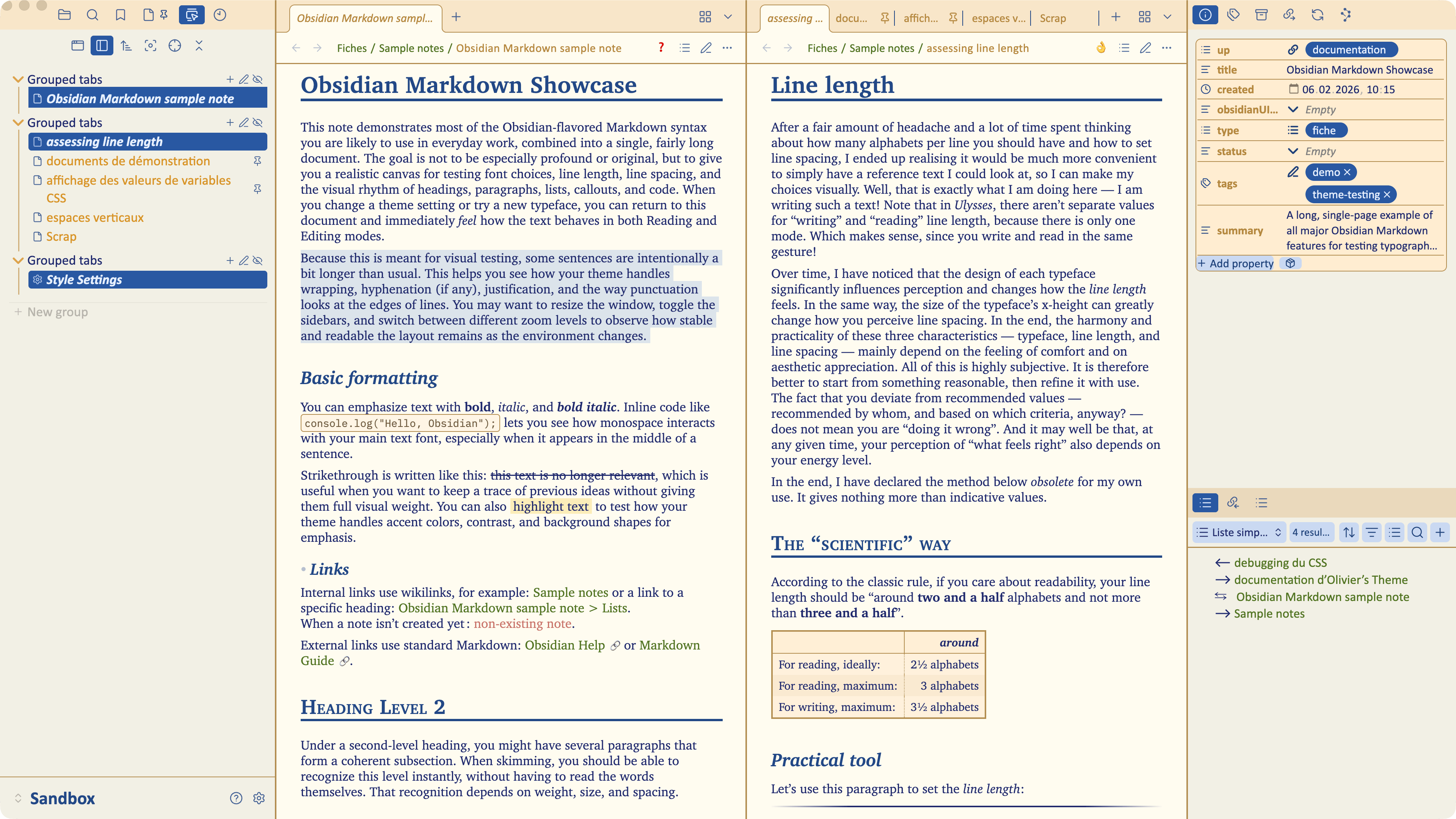
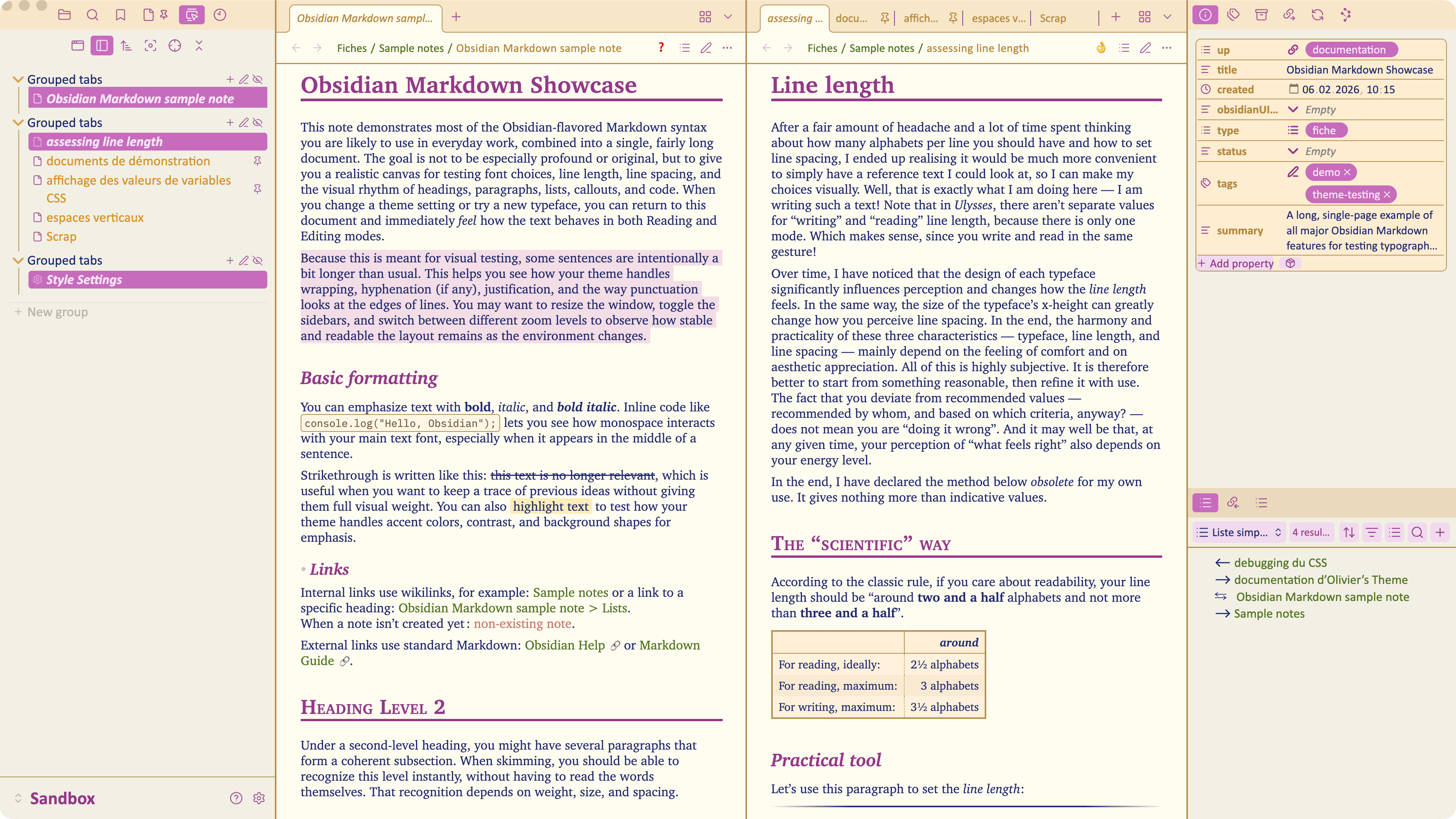
Accent color 
The 3 accent color shown for the Parchment general palette. To better show the effects, the options “Color H1 to H5 headings” and “Text selection takes accent color” has both been activated.
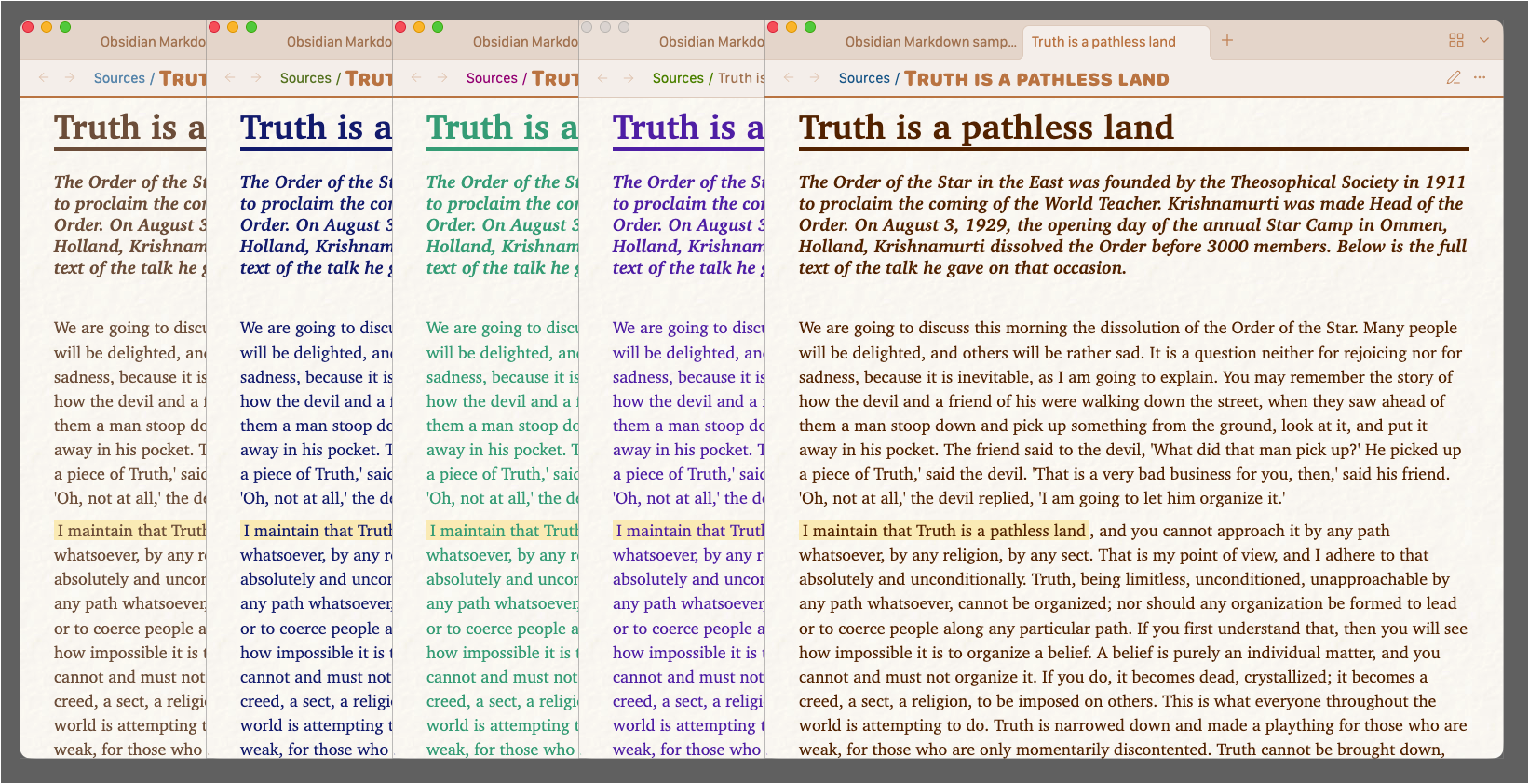
Text color in Reading mode 
A few of the text inks you can choose with this parameter. They are shown on a paper background to give an idea of the “pen on paper” feeling.
Notes background in Reading mode 
Parchment general palette, different notes background :
- None — means a plain background as defined by the palette.
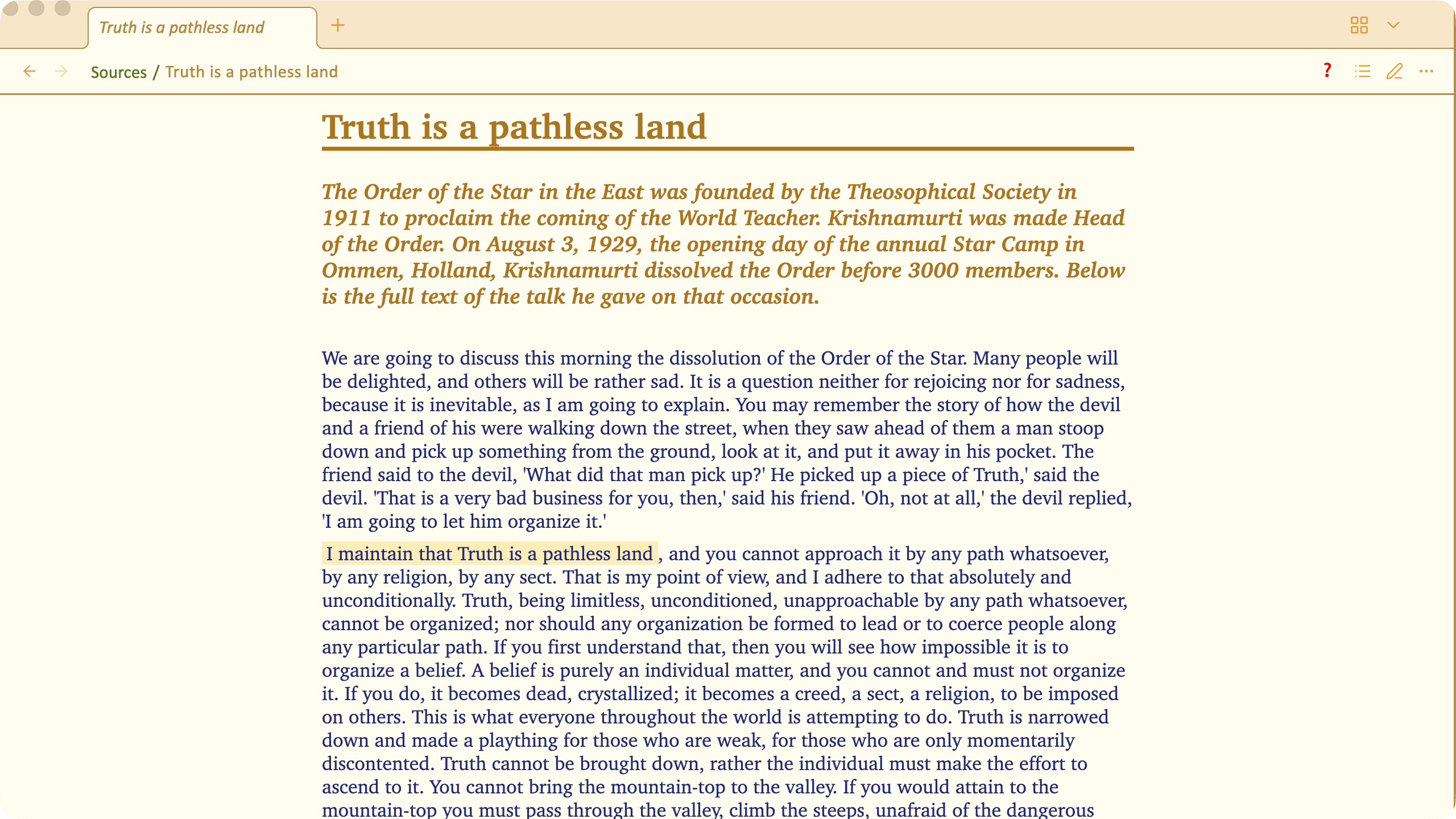
- Paper 1 :
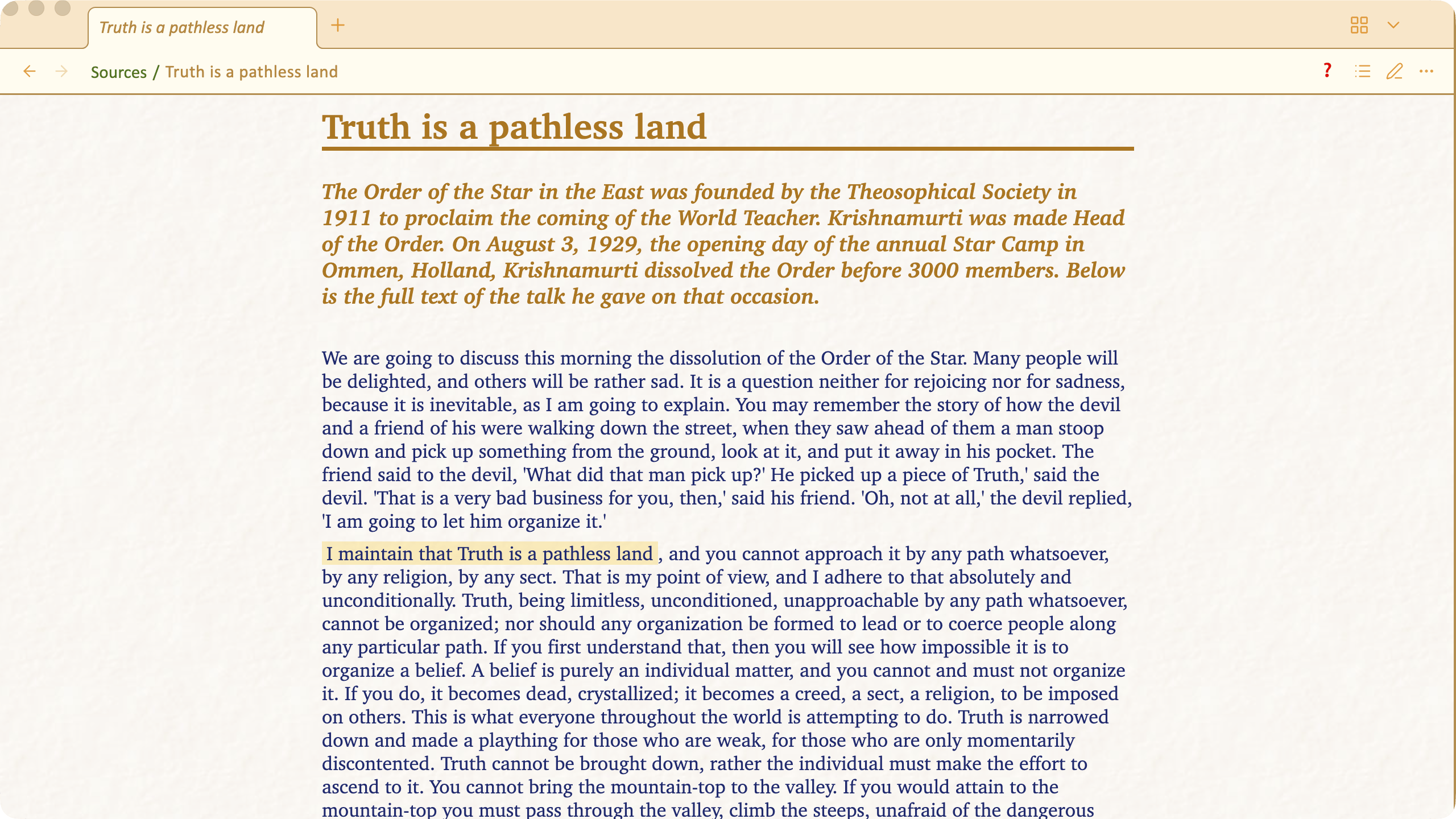
- Paper 2 :
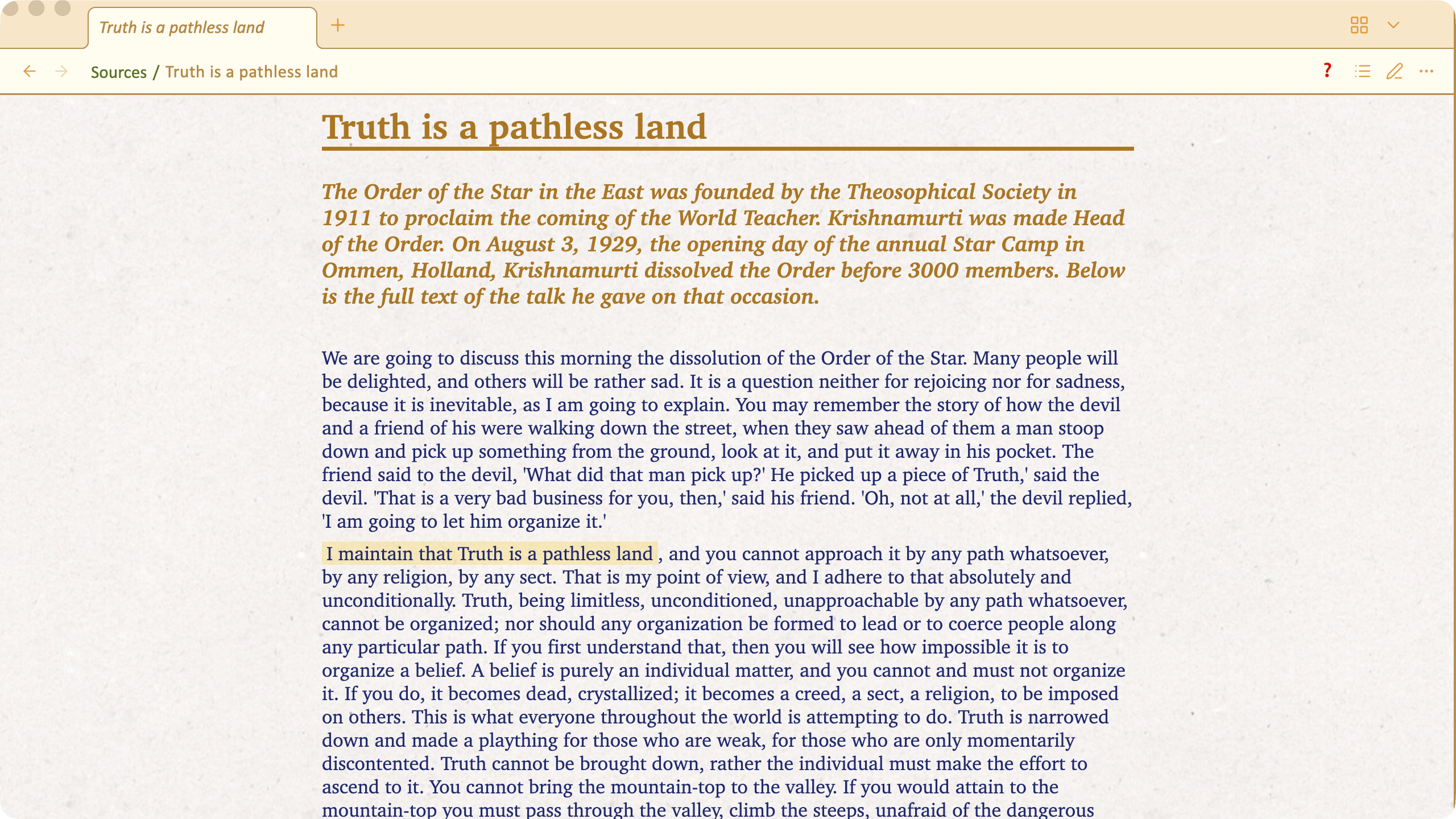
- Paper 6 :
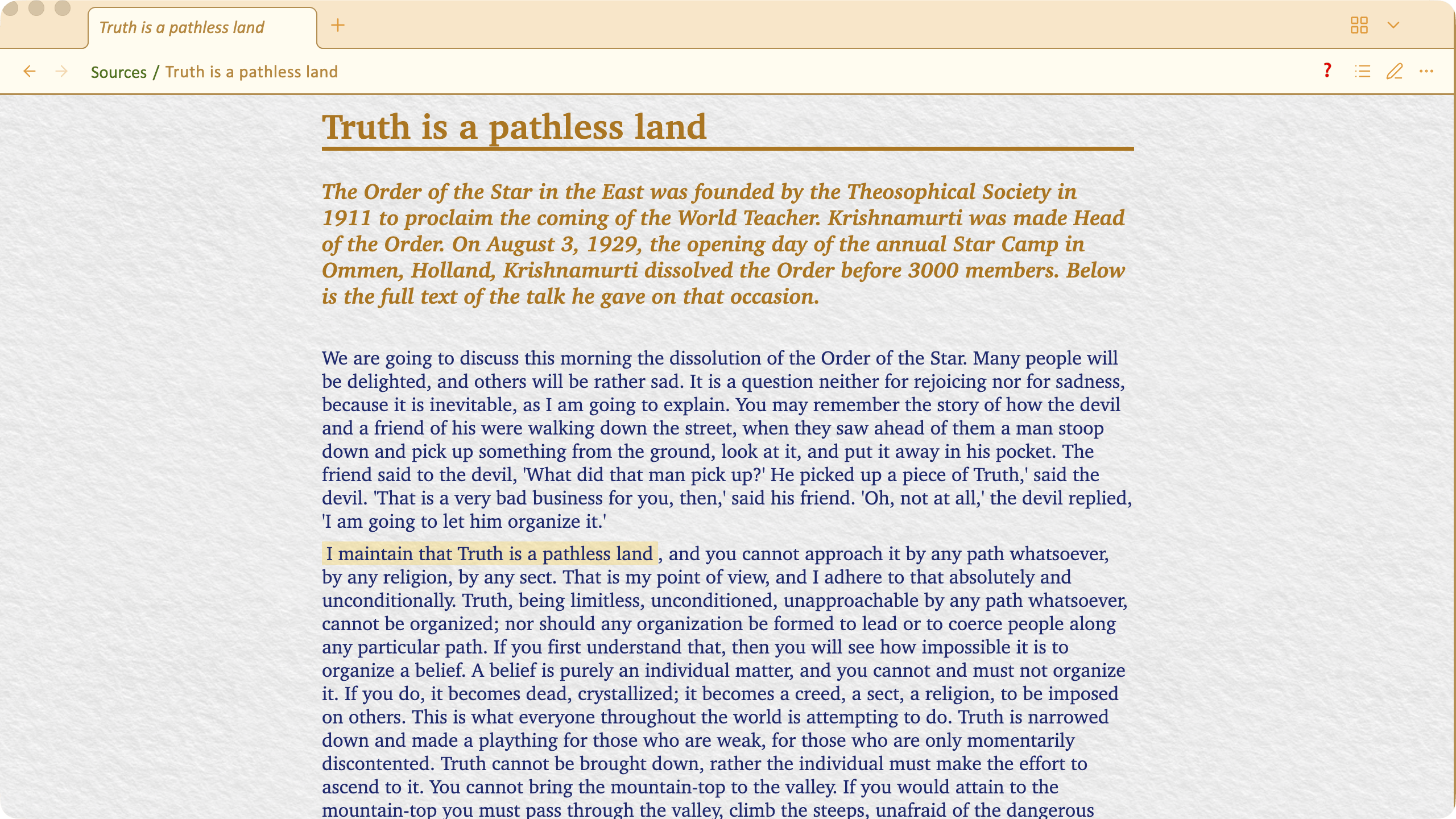
- Parchment :
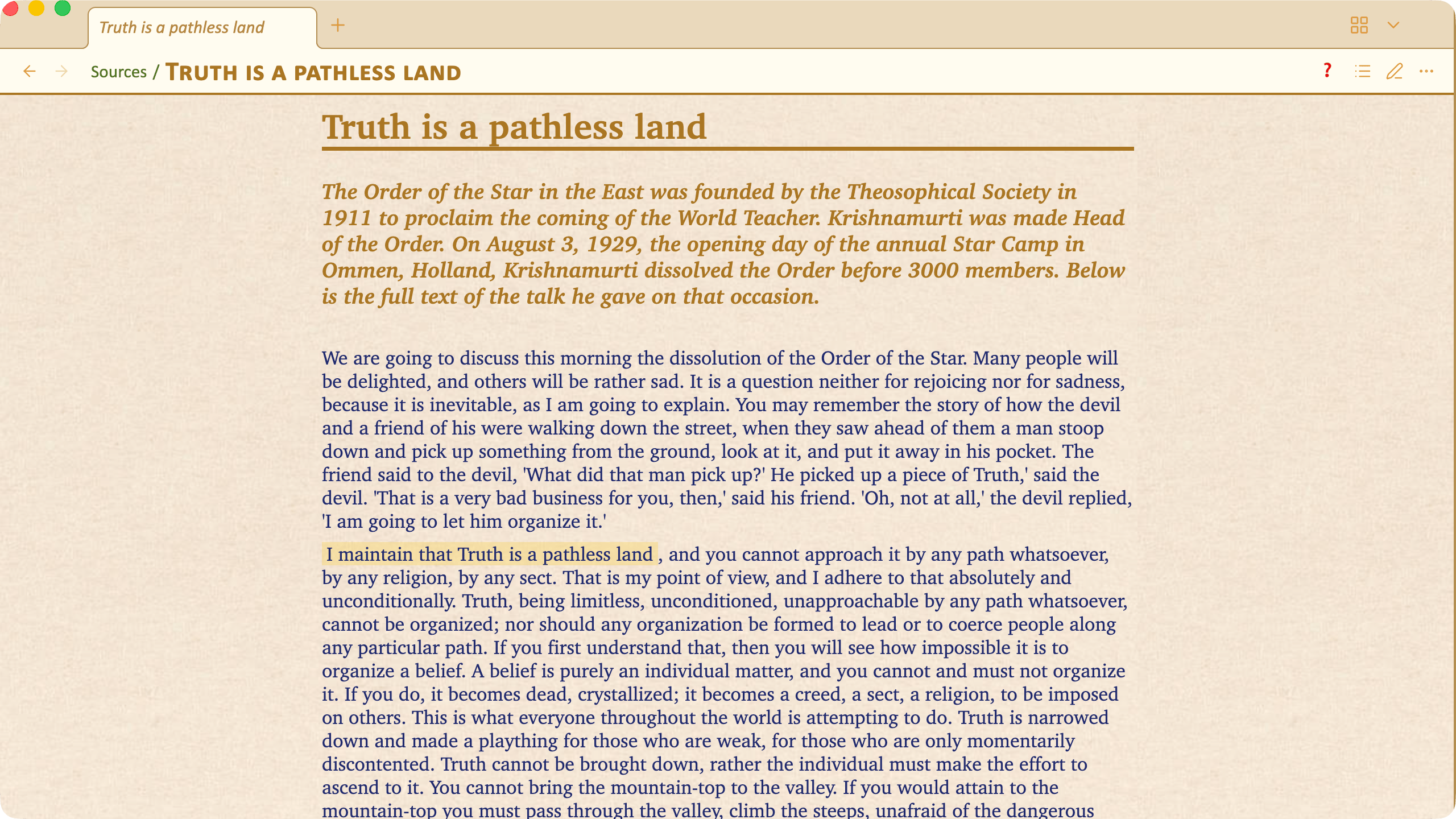
Notes background in Writing / Editing mode 
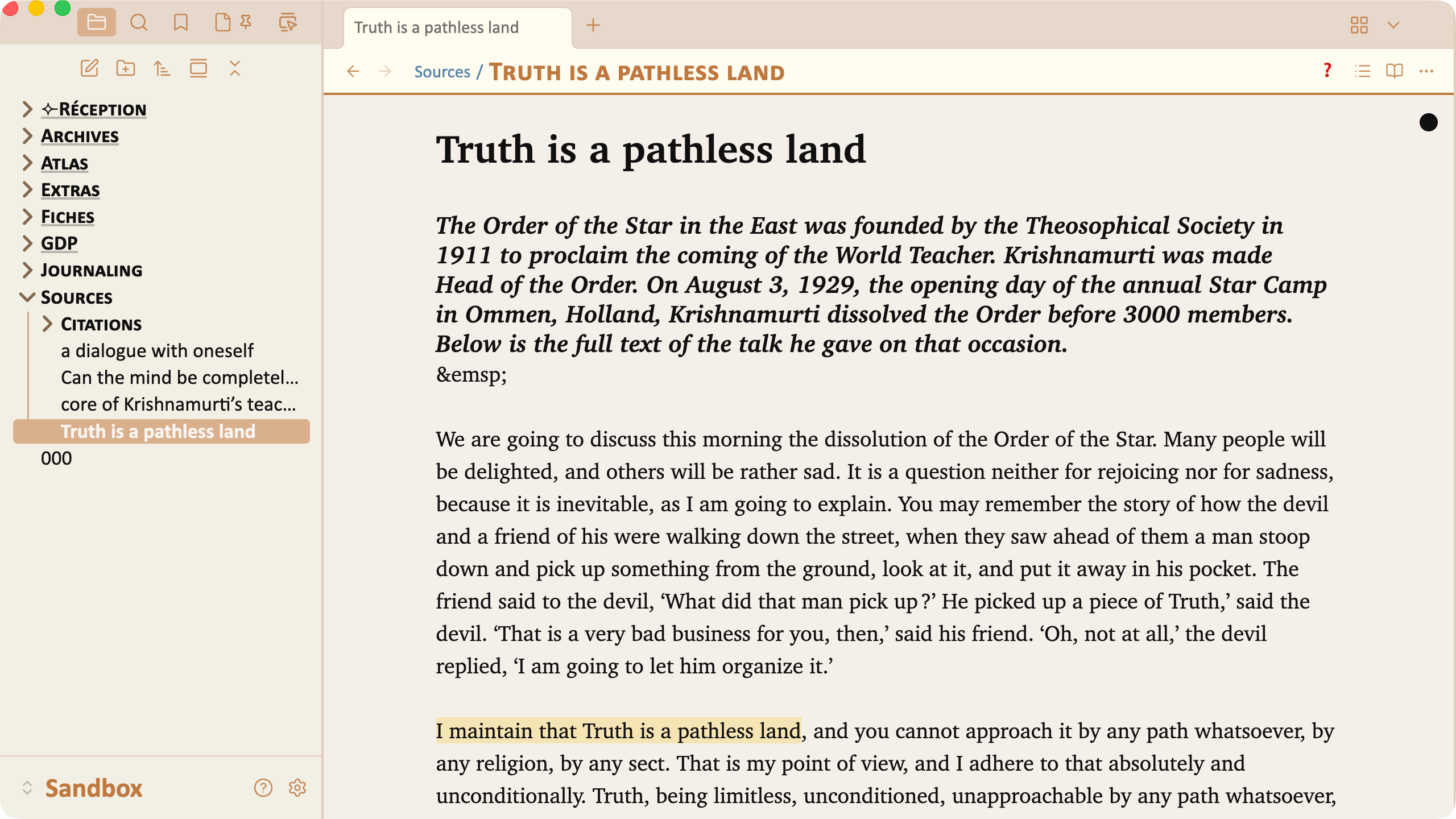
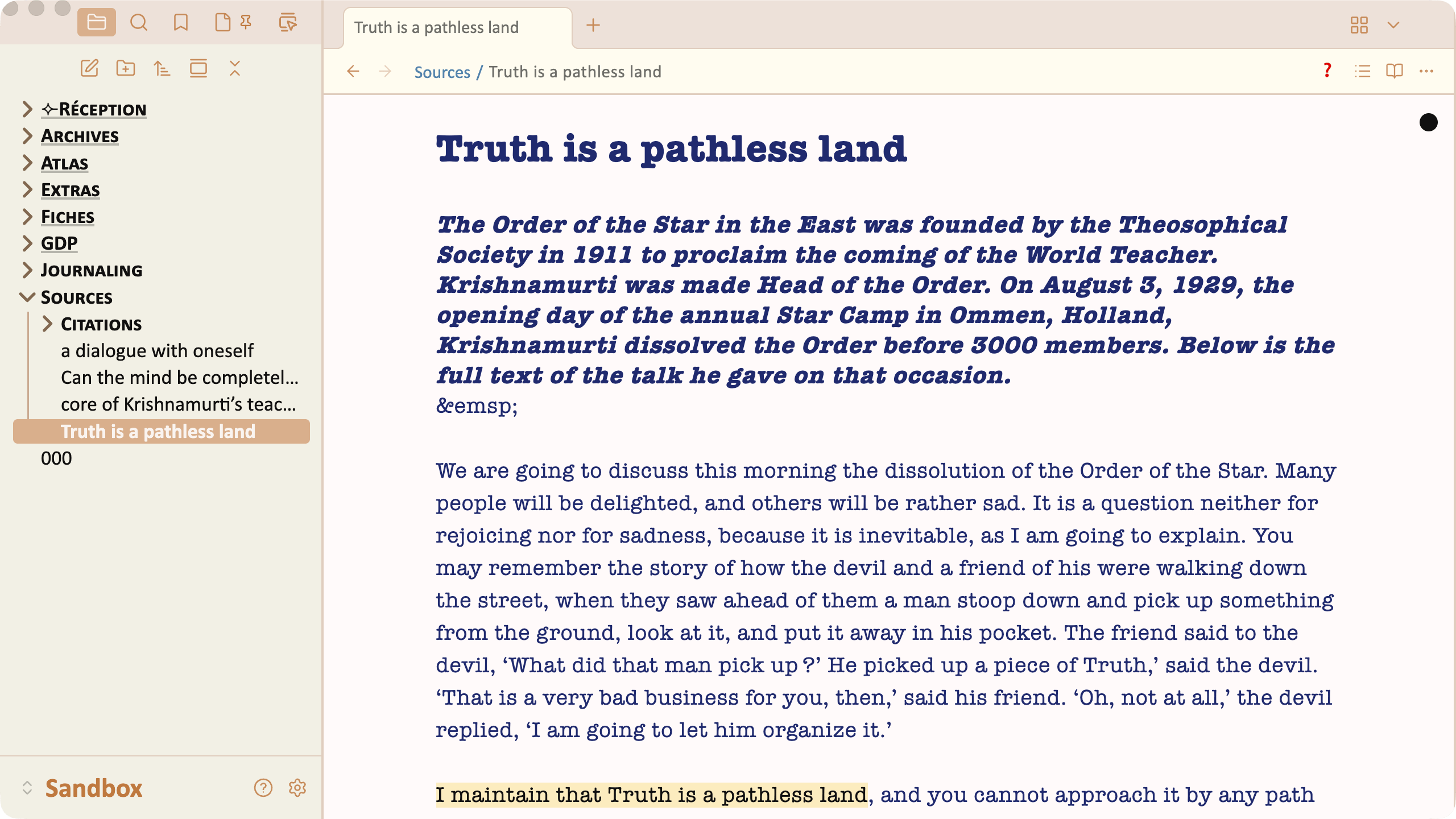
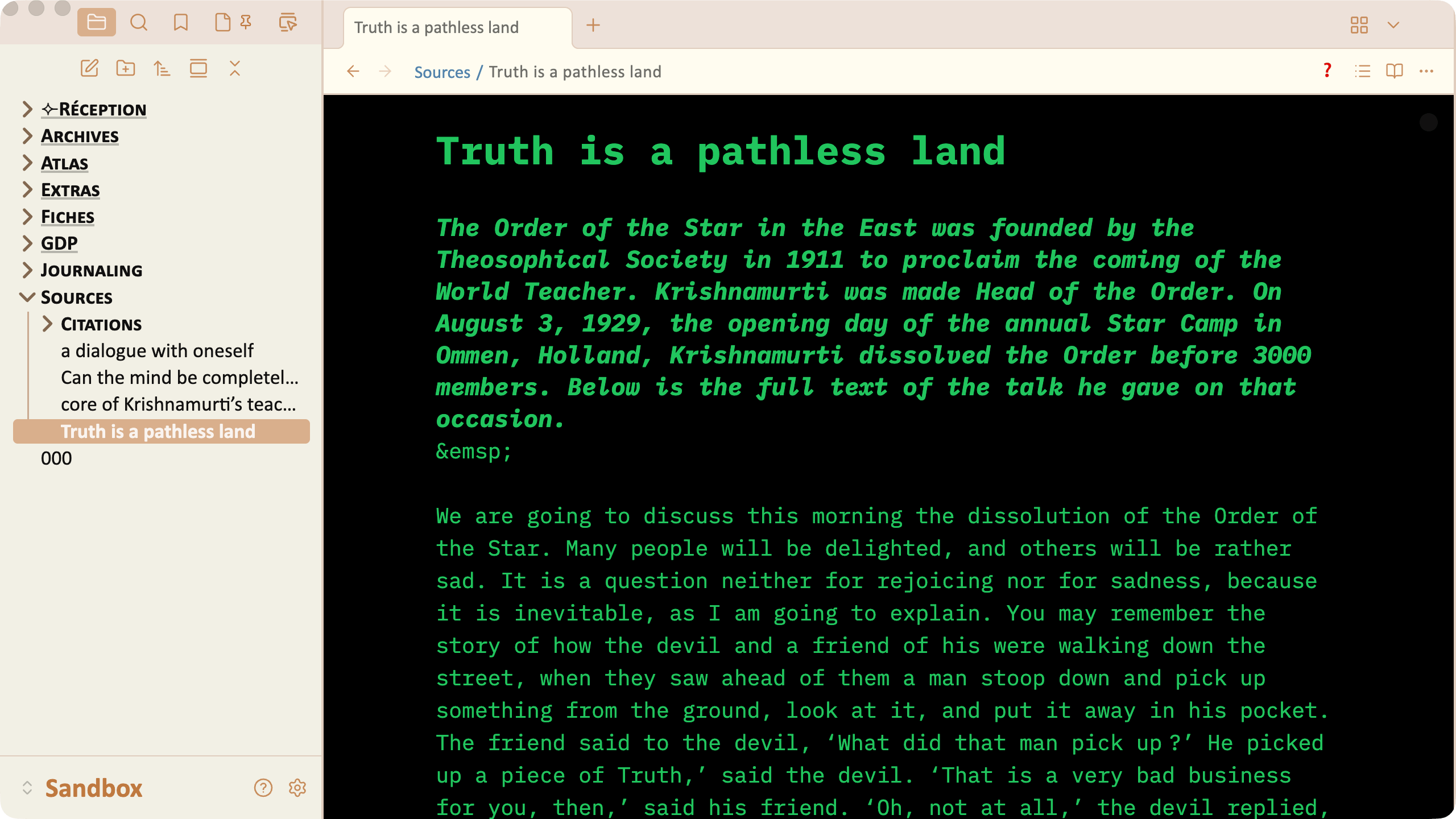
Examples of editing “moods” than can be obtained by changing the background color of the note at the same time as the color of the text is changed and possibly the typeface.
Beige palette, default background and text color, Charter typeface :
Beige palette, snow white background, dark blue text, American Typewriter typeface :
Beige palette, black background, terminal green text, IBM Plex mono typeface :
Beige palette, light green background, emerald green text, Palatino Sans typeface :
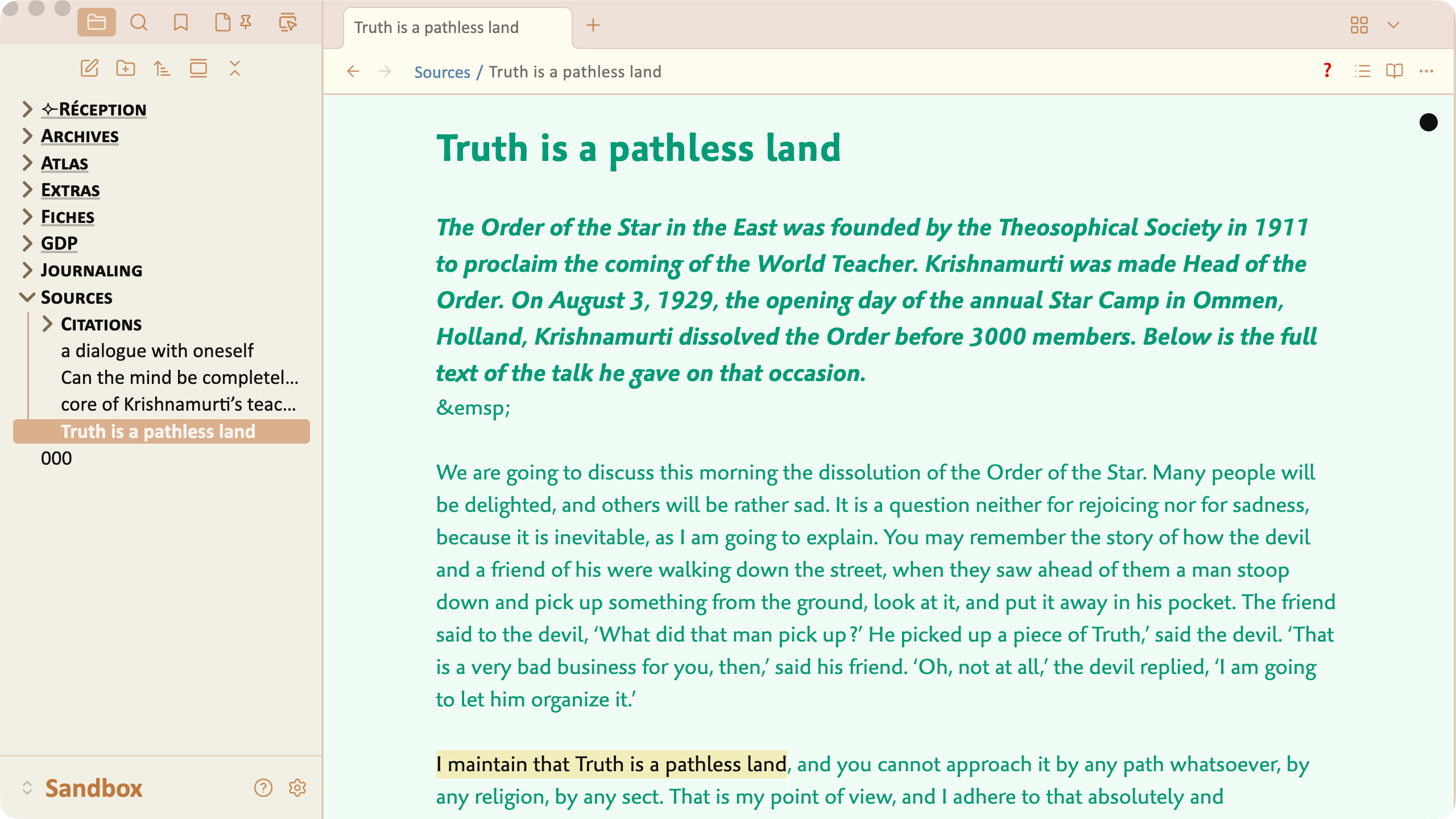
Highlighting color 
Just some samples of different highlighting colors. Note how the text remain legible in all situations.




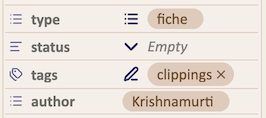
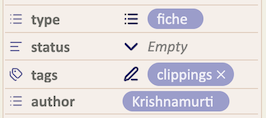
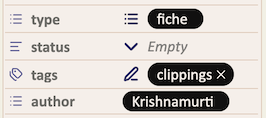
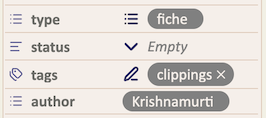
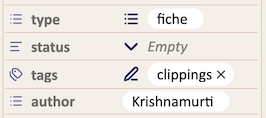
Color of the pills inside the Properties panel